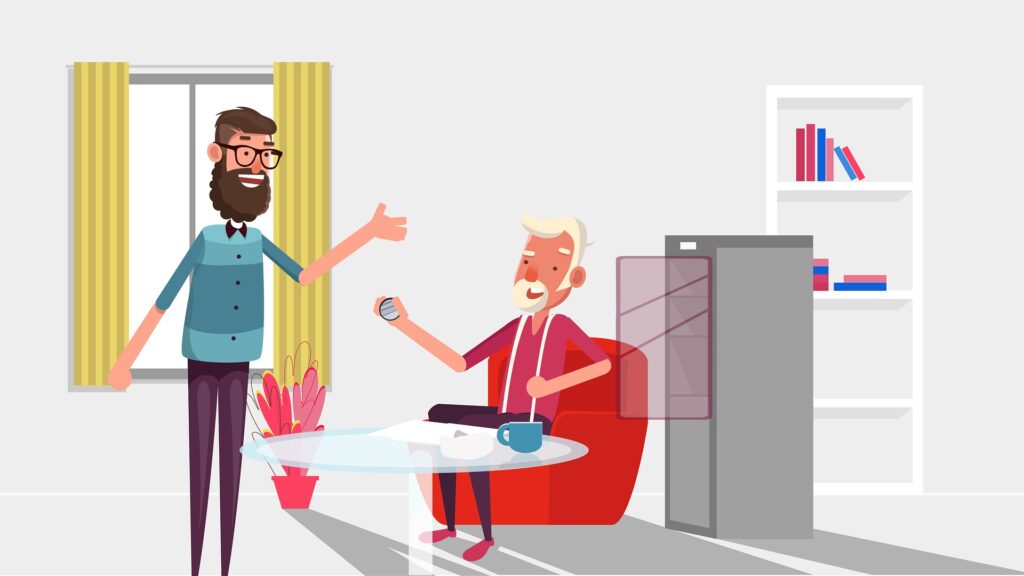
Let’s be honest, as a product manager, you find yourself in a really tough spot when your friends and family ask you that dreaded question – “So, what does a product manager do?”. Heck, people within the tech domain also can’t properly explain what Product Management is and what does a product manager do? And a lot of times, product managers themselves can’t properly explain what they do (and thus, the high level of Impostor Syndrome among product managers). Over the years, I have (or at least I think I have) been able to successfully explain my job role to my mother. So here is my 2 cents to fellow product managers trying to explain their job to the world without feeling like a total con man.
P.S. Our assumption here is that we are dealing with someone who isn’t familiar with the know-how of the tech world. And thus, at times, some of the concepts below may seem too obvious to you but try to think of it from the perspective of a complete outsider.
Step 1 – The “short and simple” explanation
Don’t overload your family with complex Product Management concepts at the beginning itself. They won’t get it in the first attempt for sure. Don’t even think of bringing up that Venn diagram where Product manager sits at the intersection of business, design and technology. Just give them a simple and short explanation to build some credibility and comfort first. For me, during the initial few years, the go-to answer has been “I make Software”. I know that it is not entirely accurate as product managers don’t code but at the same time it is not completely false as well since product managers do help create software by defining what the software should do.
Next, sooner or later, you’ll be asked some variation of “But you don’t code. So how do you make software then?”. Time for step 2.
Step 2 – Explain how Software is made
Now, without getting into too many details, you just have to communicate the concept of how a software is made. I usually explain it as –
There should be someone who can define what the software should do. For e.g. – should it help you buy stuff online, book a cab or watch a movie etc. These are the product managers.
There should be someone who can actually write the code to create the software as per the requirements defined above. These are the software engineers.
To make it simple, try to use an analogy with some other profession which is more relatable to them. I usually use one of the below 2 –
Making a movie
There are “Actors”, who act and are the face of the movie for most of the people. And then,
There are “Directors”, who decides the storyline, cast the actor, guides them and works with them to make sure that everyone plays their role to perfection.
A product manager is more like a “Director” for the software.
House Construction
There is an architect who designs the blueprint of a building – how many floors it should have, how many rooms should each floor have, size of each room, where should the kitchen be etc. etc. And then,
There are contractors who, along with their team, carries out the task of actually building the house as per the architect’s design.
A product manager is more like an architect in this example.
Feel free to use any other profession if it helps your case.
Step 3 – Time for the details
Now that you have briefly explained your role as a product manager, it’s time to get into the finer details of product management. Now you have to try and explain your product (aka Software) to your family. There is no set framework for this. However, it would really help your case if they have already used your product (or a competitor’s product) in some capacity. If not, then try to make them use your product if possible. Next, try and explain them –
Who are the users of your product?
What problem does your product solve?
Most importantly, how does your company make money (or plan to make money) through this product?
However, just try to keep things at a high level without getting into too many details. Remember, you are not trying to hire them for your team. You are just trying to explain your work life (which is at least one-third of your life) to them so that you both can connect better and have much more meaningful conversations. And believe you me, when you get to a state where you can freely talk about your work with your family, it brings a totally different level of satisfaction and peace of mind.
P.S. The above steps got the job done for me in the past. They are not guaranteed to work with every individual. However, it’s worth a shot.
Did you find this helpful? Is there some other approach that has worked for you to explain product management? Let us know in the comments or through our social media.
With over 700 million users and monthly active users (MAU) of over 300 million, LinkedIn is one of the top social media platforms. In today’s world of social media overload, LinkedIn has been able to carve a unique niche for itself in the form of “networking for professionals”. However, LinkedIn’s user experience (UX) has not evolved much over the years and LinkedIn has been winning primarily because of lack of decent competition. If LinkedIn focus more on its UX game, will it be able to better tackle the growing competition from Indeed, Glassdoor and other similar platforms? Will it be able to drive more engagement and user growth? Let’s discuss the top 8 user experience (UX) design that LinkedIn does wrong.
If you’ve ever asked “how do I actually write a PRD?” and come away from Google with a list of six vague headings and no idea what to put under them, this guide is for you. I’ve written and reviewed PRDs for over a decade as a product manager, and I’ve watched dozens of the candidates I mentor freeze at exactly this point — they know a PRD needs an “objective” and “success criteria”, but they’ve never seen a real one filled in end to end.
So this isn’t another list of components. We’ll cover the six sections every PRD must have, and then I’ll write a complete worked example in front of you — a real PRD for a “save your card for faster checkout” feature — section by section. At the end you’ll get a copy-paste template you can start with today.
First, what a PRD actually is (and isn’t)
A Product Requirements Document (PRD), simply put, lists out all the features of a product in as much detail as possible. In the product management world, a PRD is nothing less than a Bible — it’s the Product, Design and Tech teams’ go-to document for anything related to the product.
A PRD is different from a Business Requirements Document (BRD) or Market Requirements Document (MRD). A BRD/MRD focuses on what the actual customer problem is, or what the business opportunity is — the “why”. A PRD focuses on the “what” and the “how”: what are we going to build, and how are we going to build it?
Here’s the thing people get wrong: there is no fixed, standard template for a PRD. Every product manager has their own style, and every company has its own flavour. What doesn’t change is the set of questions a good PRD has to answer. Those questions map to six key components — so let’s go through them, and then build one for real.
The 6 key components of a PRD
1. Objective
This section explains, at a high level, why we’re building this product, what customer problem it solves, and how it helps the business grow.
Not every product is meant to change the world or have org-level impact. Even a modest objective like “achieving competitive parity” is perfectly valid. The point of this section isn’t grandeur — it’s alignment. Every stakeholder should walk away agreeing on why this exists.
2. Success Criteria
Success criteria are the quantitative metrics you’ll use to judge whether the product succeeded or failed after launch. Be as specific as possible and leave nothing open to interpretation.
For example: if you’re revamping your sign-up flow to reduce user drop-off, your success criterion might be “a 10% drop in incomplete/abandoned sign-up requests”. You can define multiple metrics — as long as your system can actually measure them. A metric you can’t instrument is just a wish.
3. Product / Feature details
This is where the meat of the PRD sits. It lists the actual features and sub-tasks, usually written as user stories. The standard format:
As a [user type], I want to [perform some action] so that I [achieve some goal].
Say you want to store users’ credit card details on your e-commerce platform for faster checkouts. Your user story would look like:
As a buyer, I want to store my credit card details in my profile so that I don’t have to enter them every time and can check out faster.
That format is an industry standard, not scripture — adapt it to whatever your team understands best. The real job is clarity: Product, Design and Tech should read it and understand the requirement the same way.
Crucially, cover the corner cases. In the example above: What happens if the user enters card details but your system can’t verify them with the bank? Is there a character limit on the name field? Corner cases are where junior PMs get exposed and where real production bugs are born.
Beyond user stories, depending on complexity, this section should also carry: flowcharts / process-flow diagrams; implementation or tech-architecture notes where possible; assumptions made while building; constraints or known scenarios where the product won’t work; and prerequisites or dependencies on other data or products.
4. User Experience (UX) flows / Designs
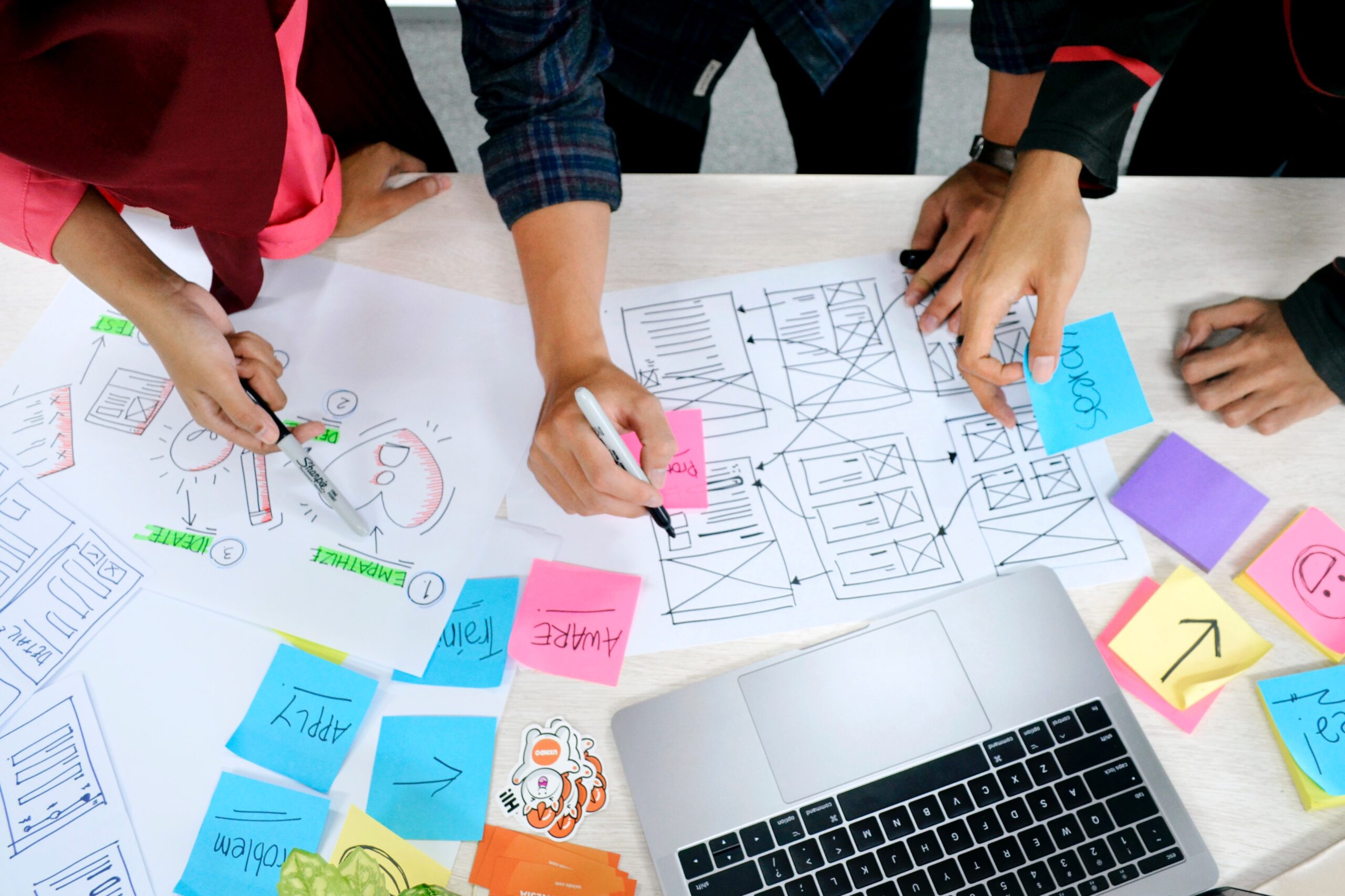
Include a visual representation of the UX or user journey — wireframes, or low/high-fidelity prototypes. A picture really is worth a thousand words here. Seeing how the product will look to the end user solidifies the understanding you built in the previous section. Add competitor screenshots for reference if a similar feature already exists elsewhere.
As I wrote in Top 5 Product Management tools every PM must be good at: if your vision of the UX is all verbal, there’s going to be a significant gap between what you imagined and what the design team builds — leading to endless iterations and quietly eroding your credibility with the design team.
5. Roadmap / Release plan
A PRD should carry a tentative release timeline. For a complex product this usually means a phased release: a core set of features ships as the MVP (Minimum Viable Product), and the rest follow in later releases. This helps the tech team prioritise and allocate resources sensibly.
6. Stakeholder Review & Sign-off
This is one of the most important parts of a PRD, and it’s the one most often skipped — even at big MNCs. Review and sign-off brings accountability into the system. It forces stakeholders (Product, Business, Design, Tech) to commit to a defined scope, and ideally there’s no going back.
Product releases slip because the Product team expands scope mid-development, or the Business team quietly changes (or “forgets”) a requirement they’d agreed to, or the Tech team reworks the implementation to dodge complexity. It may not sound professional, but it’s the truth and you know it. As I put it in Top 10 Product Management Skills: tech is usually the easy part — people are the ones that bring the complexity. A signed-off PRD is your defence against all of it.
A full worked example: a PRD for “Save card for faster checkout”
Enough theory. Here’s what those six sections look like filled in for a real feature — letting returning buyers save a card so they can check out in one tap. This is deliberately concise; a real PRD would go deeper, but the shape is exactly this.
1. Objective
Returning buyers abandon checkout because re-entering full card details on every purchase is slow and painful, especially on mobile. We’ll let buyers securely save a card and reuse it for one-tap payment. The goal is to reduce checkout friction, lift repeat-purchase conversion, and stay at competitive parity with platforms that already offer saved cards.
2. Success Criteria
10% reduction in checkout abandonment for returning users within 3 months of launch.
20% of returning buyers save at least one card within 2 months.
+5% increase in repeat-purchase conversion rate.
No increase in payment-fraud or chargeback rate versus the pre-launch baseline.
3. Product / Feature details
User stories
As a returning buyer, I want to save my card during checkout so that my next purchase is faster.
As a buyer, I want to see my saved cards at checkout and pick one, so I don’t re-enter details.
As a buyer, I want to delete a saved card from my profile so that I stay in control of my data.
Corner cases
The card is saved but the bank fails to verify/tokenise it → don’t store it; show a clear error.
Saved card has since expired → flag it at checkout and prompt for a new one.
Buyer has multiple saved cards → mark one as default, allow switching.
Security → require CVV re-entry for each transaction even on saved cards.
Guest checkout → no save option is shown (no account to attach the card to).
Assumptions / constraints / dependencies
Assumption: card details are never stored on our servers — we store a token from the payment gateway (and, in India, comply with RBI card-tokenisation guidelines).
Constraint: only cards from supported networks/gateways can be saved in v1.
Dependency: the payment gateway must support tokenisation and return a reusable token.
4. UX flows / Designs
[Wireframe placeholder] Checkout screen shows a “Save this card for faster checkout” checkbox under the card form. Returning buyers see a “Saved cards” list at the top of the payment step with a “+ Use a new card” option. A “Manage cards” screen in the profile lets buyers view and delete saved cards. Attach the Figma link / screenshots here.
5. Roadmap / Release plan
MVP (Phase 1): save and reuse a single card, CVV required per transaction, delete from profile.
Phase 2: multiple saved cards, set a default, manage in profile.
Once every box is ticked, scope is locked. Changes after this go through a documented change request — not a Slack message someone denies sending later.
Copy-paste PRD template
Start from this skeleton and delete what you don’t need:
# PRD: [Feature name]
Author: [name]  |  Status: [Draft / In review / Signed-off]  |  Last updated: [date]

## 1. Objective
- Problem:
- Why now / business goal:

## 2. Success Criteria
- Metric 1 (target, timeframe):
- Metric 2:
- Guardrail metric (must NOT get worse):

## 3. Product / Feature details
### User stories
- As a [user], I want to [action] so that [goal].
### Corner cases
-
### Assumptions / Constraints / Dependencies
-

## 4. UX flows / Designs
- [Link to Figma / wireframes / screenshots]

## 5. Roadmap / Release plan
- MVP:
- Phase 2:
- Phase 3:

## 6. Stakeholder review & sign-off
- Product / Business / Design / Tech / Legal → [sign-off status]
How to actually write it (a practical order)
Most PMs write a PRD top to bottom and get stuck. I write it in this order instead: nail the objective and success criteria first (if you can’t state the metric, you’re not ready to build), then draft user stories with the corner cases, then loop in Design for the UX flows, then set the roadmap with Engineering, and only then send it for sign-off. Writing it in that sequence means every section is informed by the one before it — and you stop rewriting the same doc five times.
Common mistakes I see
No measurable success criteria — “improve the experience” is not a metric.
Skipping corner cases — this is what separates a PRD that ships clean from one that spawns a bug backlog.
No sign-off — the single biggest cause of scope creep and delayed releases.
Writing for yourself, not the reader — if Tech and Design can’t act on it without a meeting, it’s a diary entry, not a PRD.
FAQ
What is a PRD?
A Product Requirements Document is the document a product manager uses to define what a product or feature should do and how it should behave, so Product, Design and Engineering are aligned before building.
PRD vs BRD vs MRD — what’s the difference?
A BRD/MRD covers the why (the business or market problem). A PRD covers the what and how (what we’ll build and how it should work).
How long should a PRD be?
As long as it needs to be and no longer. A small feature might be one page; a complex product several. Clarity beats length — if a section isn’t helping Design or Tech act, cut it.
Who writes the PRD?
The product manager owns and writes it, but it’s built collaboratively — Design shapes the UX section, Engineering the feasibility and roadmap.
Do PRDs still matter in agile?
Yes. Agile changed how often you revise the doc, not whether you need shared, written clarity. A lightweight living PRD beats tribal knowledge every time.
Preparing for PM interviews? Writing a crisp PRD is a common interview exercise. I’ve mentored 50+ candidates into roles at Google, Microsoft and Amazon — book a 1:1 mock interview session and we’ll practise it live.
What does it take to be a good Product Manager? This is a question that has troubled mankind for decades(maybe). Product Management as a domain is still evolving and is one of the few domains which has not yet been transformed into an exact science. You think of ‘Marketing’ and immediately Philip Kotler’s name comes to mind as a marketing leader. Investment enthusiasts have got a great deal to learn from Warren Buffett and his investment principles. Core tech world has got their Bill Gates, Elon Musk, Mark Zuckerberg etc. But when it comes to Product Management, there is no general consensus on a ‘leader’ of the domain. And thus, there are no role models / benchmarks for aspiring Product Managers to follow and learn from. So, let’s discuss the top 10 Product Management skills that every Product Manager must be good at (in no specific order).
We, as product managers, put in a lot of effort in terms doing market research, competitive reviews or taking user feedback to come up with the best version of our product for our customers. But, it is also true that everybody does these things and probably that’s the reason why 80% of most of the products look exactly similar to the competition (some sort of Nash equilibrium equivalent of the Product management world). For e.g. – majority of the apps in the ecommerce industry look similar. And in such a scenario, how can we expect loyalty from our customers? How can we expect them to be our brand ambassadors in their local circle of influence? The answer lies in “Product Delight”.
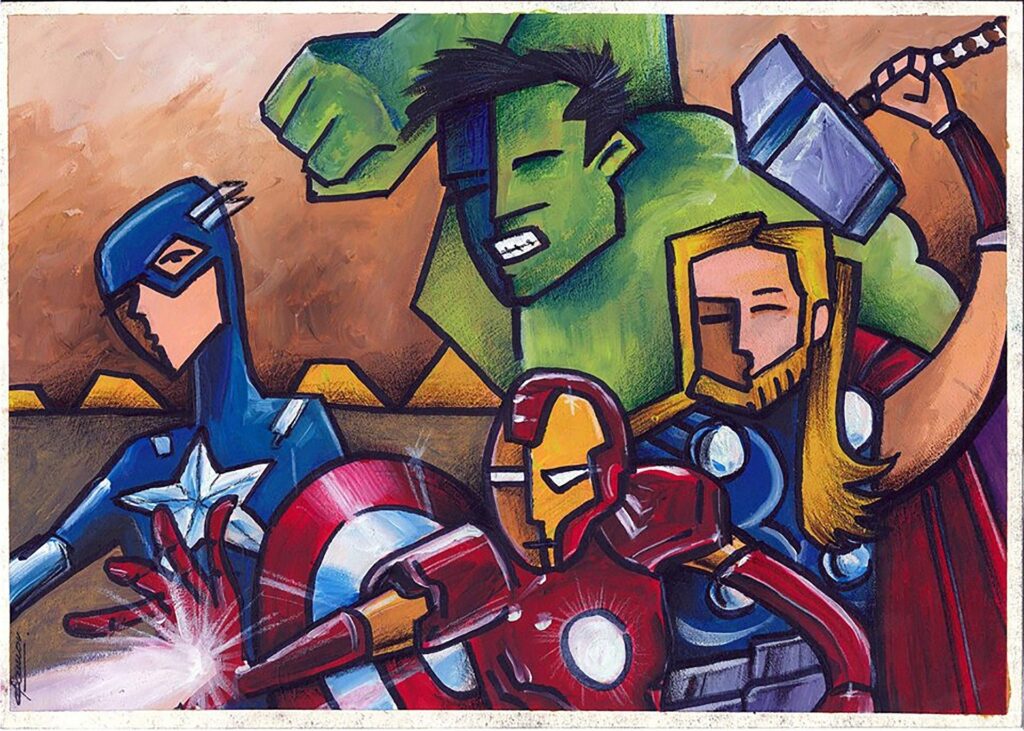
A Product Manager has one of the most broadest and vaguest job description ever. There are product managers with completely different set of skills and still equally successful. There are companies where product managers are just a “cog in the wheel” and then there are companies where product managers are “the wheel”. We, as product managers, often like to think of ourselves as “the CEO of the Product” or “the one wearing multiple hats” and many other similar buzzwords. In our own world, we are nothing less than a superhero. So, let’s take this fantasy a step forward and figure out “What if the Avengers were Product Manager?”
With a total user base of 1.3 billion comprising of monthly active users (MAU) of 330 million and daily active users (DAU) of 145 million, Twitter is one of the top social media platforms. Twitter became a hit soon after it’s launch because it brought a radical shift in the content game. You no more need to write 1000s words long blogs/articles to get your point across and don’t need to worry about getting decent exposure. Twitter made everybody a content creator. However, user experience (UX) is not considered to be one of Twitter’s forte and one can say that Twitter is winning the game primarily on the basis of content and engagement. What if Twitter ups its UX game? Could it drive more engagement and user growth? Let’s discuss the top 9 user experience designs that Twitter does wrong.
In the current digital and remote working age, we are increasingly reliant on a lot of digital tools to get our job done. Companies are now migrating to digital solutions for processes that have been manual for decades. With time, these tools have evolved from just being a helping hand to an absolute must in their field. Different teams have their own unique requirements and thus their own set of favourite tools. Let’s discuss the top 5 product management tools that every Product Manager must be good at.
First of all, this is not a tutorial on how to update your Facebook privacy settings or how to delete your Facebook account. There is already enough information available on that. Google it. Also, lets be clear that Facebook has your data. There is no doubt around that. Doesn’t matter if you have deleted your Facebook account or uninstalled the Facebook app, there are lots of other apps (WhatsApp, Instagram and a lot of third party apps) that you use on a daily basis which are regularly sending your data to Facebook. Often when concerns are raised around user data privacy with Facebook, people have one of the 2 reactions –
Facebook is evil. Let’s delete Facebook and a bunch of deletefacebook hashtags start trending on social media for a few days. Then we forget all about it and Facebook gets back to collecting your data like nothing ever happened.
People feel defenceless against such a big tech giant and they try to hide their helplessness by saying “I got nothing to hide”, “So what if Facebook has my data? I’ll get better ads. Nothing wrong with that”.
And this narrative is fine to a certain extent. I don’t really mind if my data is being used “only” for the purpose of personalizing ads for me. But the truth is, that nobody knows how and when your data can be misused and by whom. I mean who would have thought that taking a simple personality test would end up influencing your voting decision. Remember Cambridge Analytica?
Apple recently hit the market cap of $2 Trillion and became the most valuable company in the world. Innovation, customer focus, design excellence, great marketing and an incredibly loyal user base are some of the key drivers of this magnificent growth. But “absolute power corrupts absolutely” and of late, Apple has been kind of a bully in the tech ecosystem. They do whatever they want without consulting the other industry stakeholders and more often than not their decisions seem to be inspired by driving more sales of their hardware/services or more adoption of their digital products. And now it looks like Apple has made plans to bully its way into the $80 billion Mobile App Ad market.